Create a Solr core
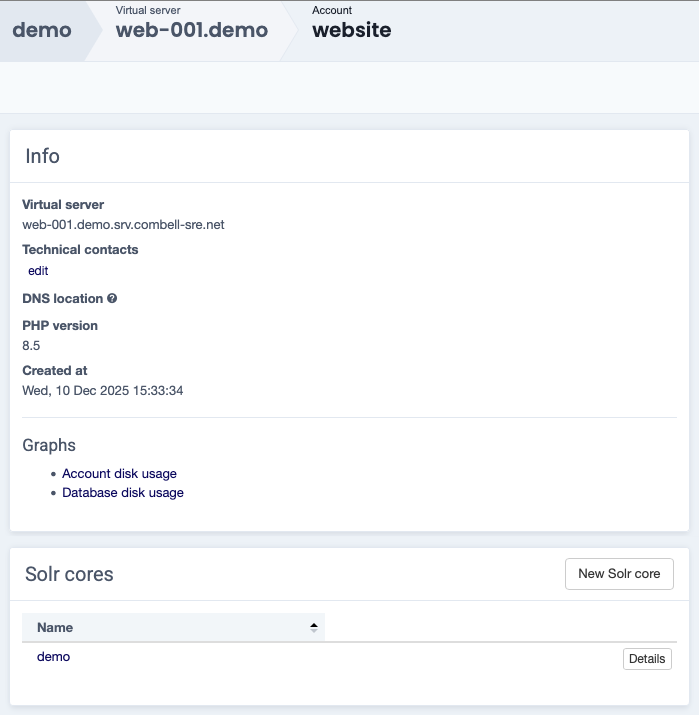
Navigate to the account for which you want to create a Solr core.
Select New Solr core in the Solr cores widget.
Solr
Solr needs to be enabled by our support team before it is active in the Sock control panel.
Please contact our support staff if you wish to use this feature.
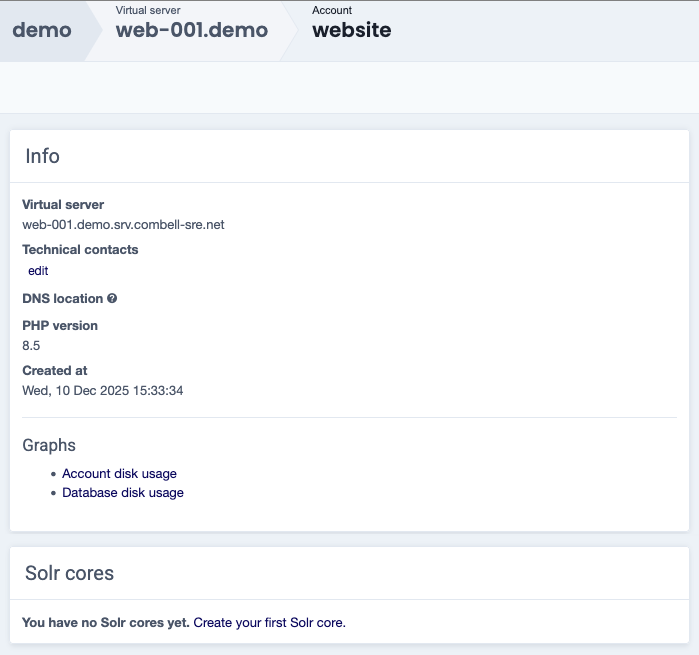
If the account does not have a Solr core associated with it yet, the option listed is named Create your first Solr core.
Enter the required information in the Create new Solr core menu.
Name - name of the Solr core
Password - enter a password or use the generate option to create one
Solr configuration zip - upload the Solr config as a .zip archive via Choose file
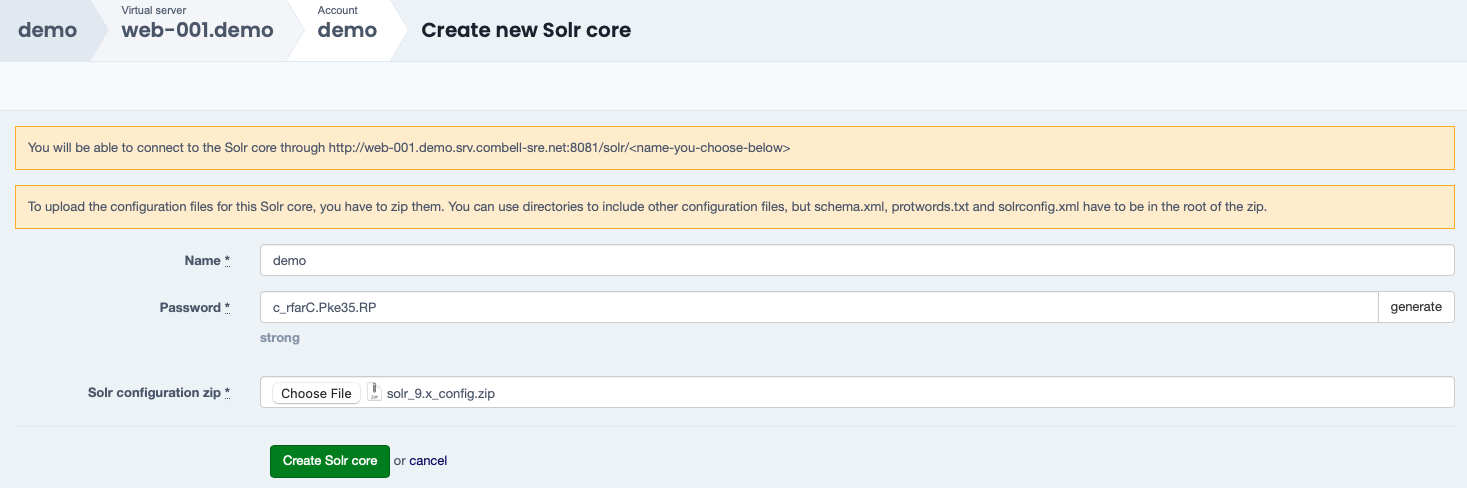
Confirm the Solr core creation via Create Solr core.