HTTP Headers
HTTP Headers allow you to define additional response headers that are sent by the web server to clients (browsers, applications, or APIs).
These headers can be used to control cross-origin requests (CORS), enforce security policies, and customize server behavior.
How to add headers
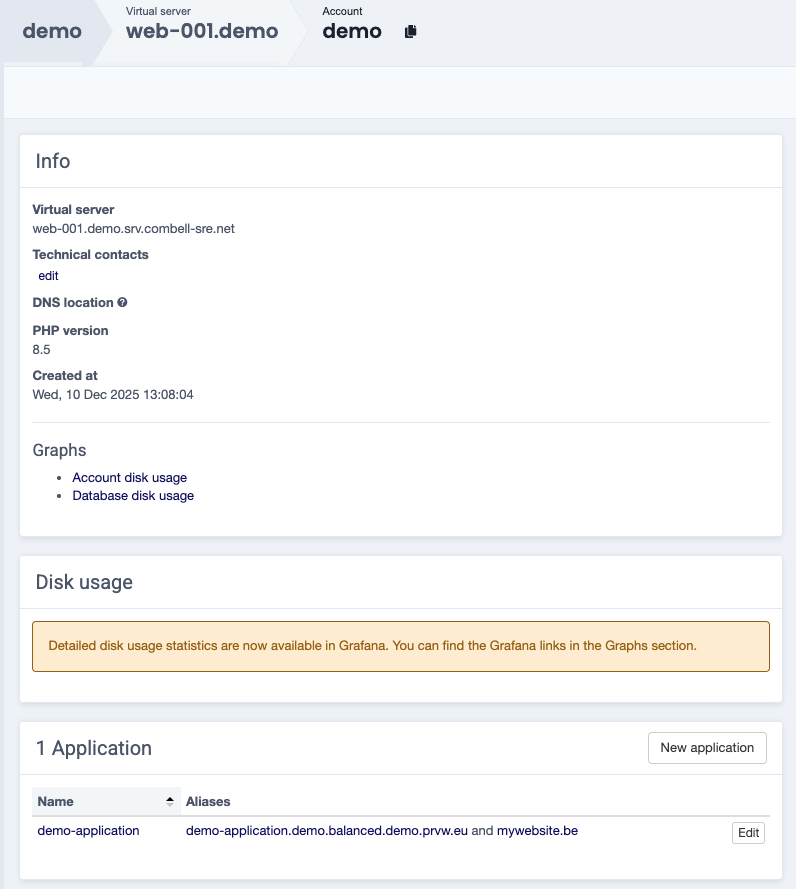
When adding HTTP headers to your application, navigate to the account it is linked to.
Select Edit in the Application widget, next to the application you want to update.
Navigate to the HTTP header section to add the necessary headers
Below you can find an example of an HTTP header configuration:

When all Headers are added, scroll down and press Update Application to save the changes for the application.
Strict-Transport-Security header
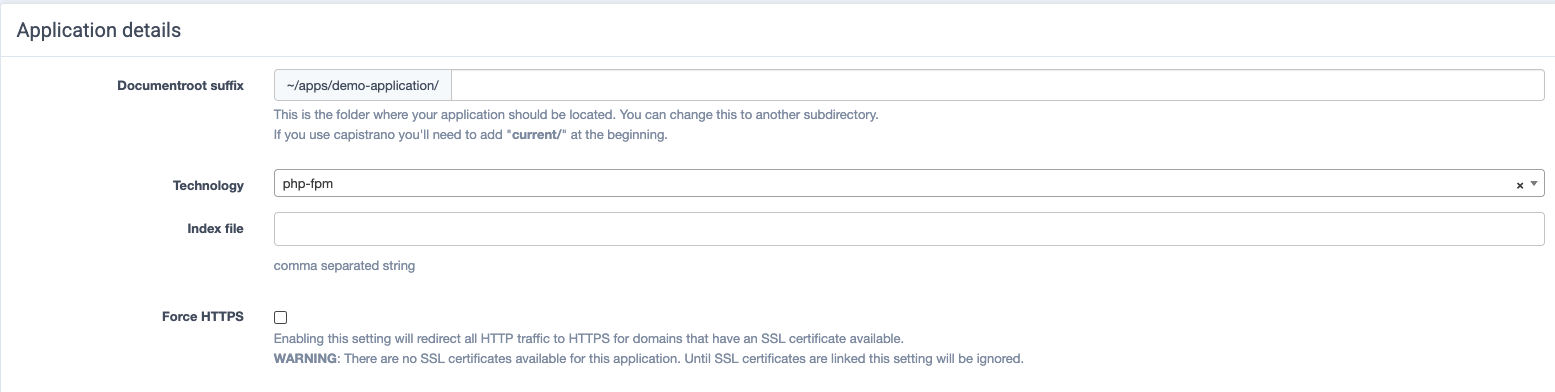
Enabling Force HTTPS automatically adds the Strict-Transport-Security header with max-age=31536000 if it does not already exist.
Adding the Strict-Transport-Security header automatically enables Force HTTPS.
The following options can be selected:
| Header | Description | Example Value | Explanation |
|---|---|---|---|
| Access-Control-Allow-Origin | Defines which domains are allowed to access your API (CORS). | https://app.example.com |
Only this specific frontend domain is allowed to make requests to your server. |
| Access-Control-Allow-Methods | Specifies which HTTP methods are allowed. | GET, POST, PUT, DELETE |
Allows standard CRUD operations from the client. |
| Access-Control-Allow-Headers | Defines which request headers are allowed from the client. | Content-Type, Authorization |
Allows clients to send JSON data and authentication tokens. |
| Access-Control-Max-Age | How long preflight requests can be cached by the browser (in seconds). | 86400 |
The browser caches CORS checks for 24 hours to reduce repeated preflight requests. |
| Access-Control-Allow-Credentials | Allows cookies and authentication credentials in cross-origin requests. | true |
Enables sessions / cookies to be included in API requests. |